

Currently Empty: $0.00



blog
Best VSCode Extensions for Faster Development
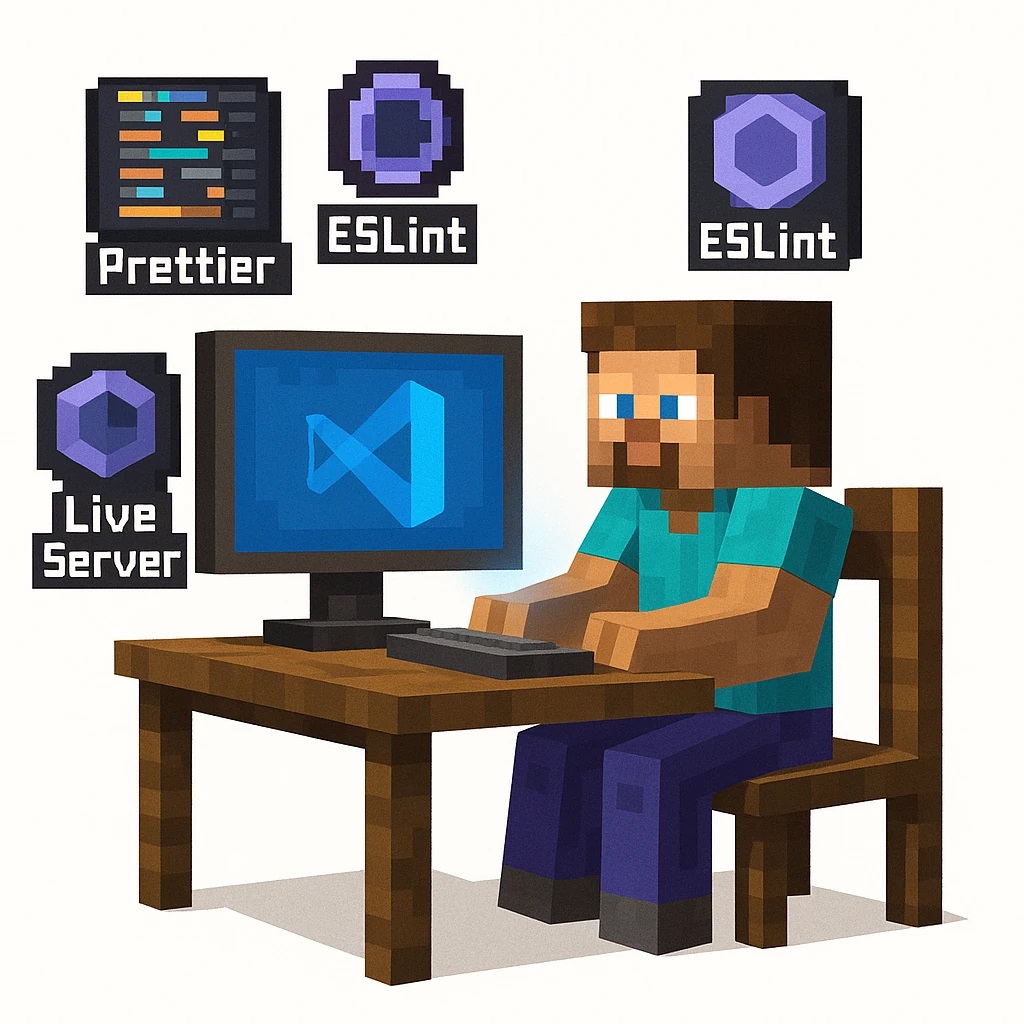
Visual Studio Code (VSCode) has become the primary editor for developers across languages — from Python and JavaScript to Go and Rust. However, the real power of VSCode lies in its vast library of extensions. With the right combination, developers can code faster, avoid repetitive tasks, and boost productivity. In this guide, we’ll explore the essential VSCode extensions that truly enhance development speed, reduce debugging time, and improve project organization. These tools are battle-tested by professionals and ideal for both beginners and experienced developers looking to optimize their workflow.
read more: 5 Common Mistakes When Designing APIs with Django Rest Framework
Streamlining Code Navigation
Efficient code navigation saves hours during large project development. Extensions like Path Intellisense, Bookmarks, and Project Manager let you move between files, methods, and classes instantly without memorizing long paths. They create an intuitive mapping of your workspace so you can jump directly to files or definitions within a few keystrokes.
With Bookmarks, developers can mark code sections that require refactoring or debugging later. Project Manager simplifies switching between multiple repositories or project folders — crucial for freelancers or full-stack engineers handling several deployments. Together, these extensions reduce mental overhead and make complex codebases easier to manage.
Enhancing Folder Organization and File Access
Organizational consistency accelerates development. Project Manager and Explorer Exclude allow you to hide irrelevant directories (like node_modules or __pycache__), keeping the workspace clean. These optimizations eliminate distraction and help focus entirely on meaningful files — improving performance as well as mental clarity.
Code Formatting and Style Consistency
Maintaining clean and readable code is vital for collaboration and maintainability. Extensions such as Prettier – Code Formatter and EditorConfig for VSCode handle styling automatically across your entire project. Prettier enforces consistent indentation, spacing, bracket usage, and quotation styles according to configurable rules.
This not only saves you from manually fixing formatting during reviews but also ensures that everyone on your team commits uniformly styled code. Combined with ESLint or Pylint, it catches syntax and style errors before runtime, drastically reducing debugging cycles.
Integrating Linters and Pre-Commit Hooks
Using ESLint or Flake8 Lint along with Pre-commit hooks immediately detects errors and formatting conflicts before you push code. This automation creates a smoother CI/CD pipeline, ensures quality control, and prevents minor issues from escalating in production builds.
Debugging and Error Tracking Tools
Debugging can be tedious — but VSCode offers extensions that turn it into a structured process. Debugger for Chrome, Python, and CodeLLDB allow developers to insert breakpoints, inspect variables live, and step through code in real-time.
With Error Lens, you can visualize syntax or runtime errors inline, eliminating the need to check the terminal constantly. For Python or Node.js applications, combining Error Lens with REST Client helps simulate requests and inspect responses right within the editor — an invaluable time-saver during API debugging.
REST Client and Live Server Integration
REST Client lets you send HTTP requests directly from .rest or .http files inside VSCode — no need for tools like Postman. Similarly, Live Server launches real-time previews for HTML/CSS or front-end apps, automatically refreshing the browser upon saving. The combination of these two extensions streamlines testing and validation during development.
Productivity and Automation Enhancers
Small automation boosts overall productivity significantly. Extensions such as GitLens, Auto Rename Tag, and Tabnine (AI-powered code completion) make daily routines seamless. GitLens visualizes changes and authorship inline, enabling instant understanding of code history. Auto Rename Tag ensures paired HTML/XML tags stay consistent when renamed.
Tabnine or GitHub Copilot deliver smart code completions tailored to your coding style, predicting entire lines based on your context. This level of automation can reduce repetitive typing by more than half and enhance logic flow in complex applications.
Working with Snippets and Templates
Creating your own snippet libraries through extensions like Snippet Creator lets you generate pre-defined code blocks (for loops, component templates, CRUD endpoints) quickly. It’s ideal for frameworks like Django, React, or FastAPI where repetitive scaffolding is common. Over time, custom snippets can feel like a personalized mini-framework, improving code writing speed exponentially.
UI and Workflow Customization
Developing in an environment you visually enjoy contributes to focus and comfort. Material Icon Theme, One Dark Pro, and Peacock are essential for UI personalization. They enhance visibility, distinguish between file types, and color-code environments (useful when switching between staging, production, and sandbox servers).
Peacock, for instance, changes the window border color depending on which project is active — a small but powerful feature that prevents deployment mix-ups. Visual cohesion keeps mind mapping strong, especially for developers managing multiple microservices or repositories.
Improving Accessibility and Visual Cues
Accessibility extensions like Indent-Rainbow and Bracket Pair Colorizer 2 make hierarchical code blocks easy to follow. With colorful indentation and bracket mapping, developers can spot nested structures instantly — minimizing cognitive load in reviewing long scripts or logic-heavy files.
Final Thoughts
Choosing VSCode extensions strategically can literally halve your development time. Instead of installing dozens of random plugins, focus on a well-balanced mix of navigation, formatting, debugging, automation, and UI helpers. Start small — two per category — and measure their impact on your workflow. Over time, your VSCode environment will evolve into a finely tuned productivity engine that fits perfectly with your coding habits and project stack.